I am currently experiencing a licensing issue and would appreciate your assistance.
On June 9, 2026, I subscribed to the AI Subscription plan and started using the free trial version. Today (June 16, 2026), the payment was successfully processed, and I received the payment receipt.
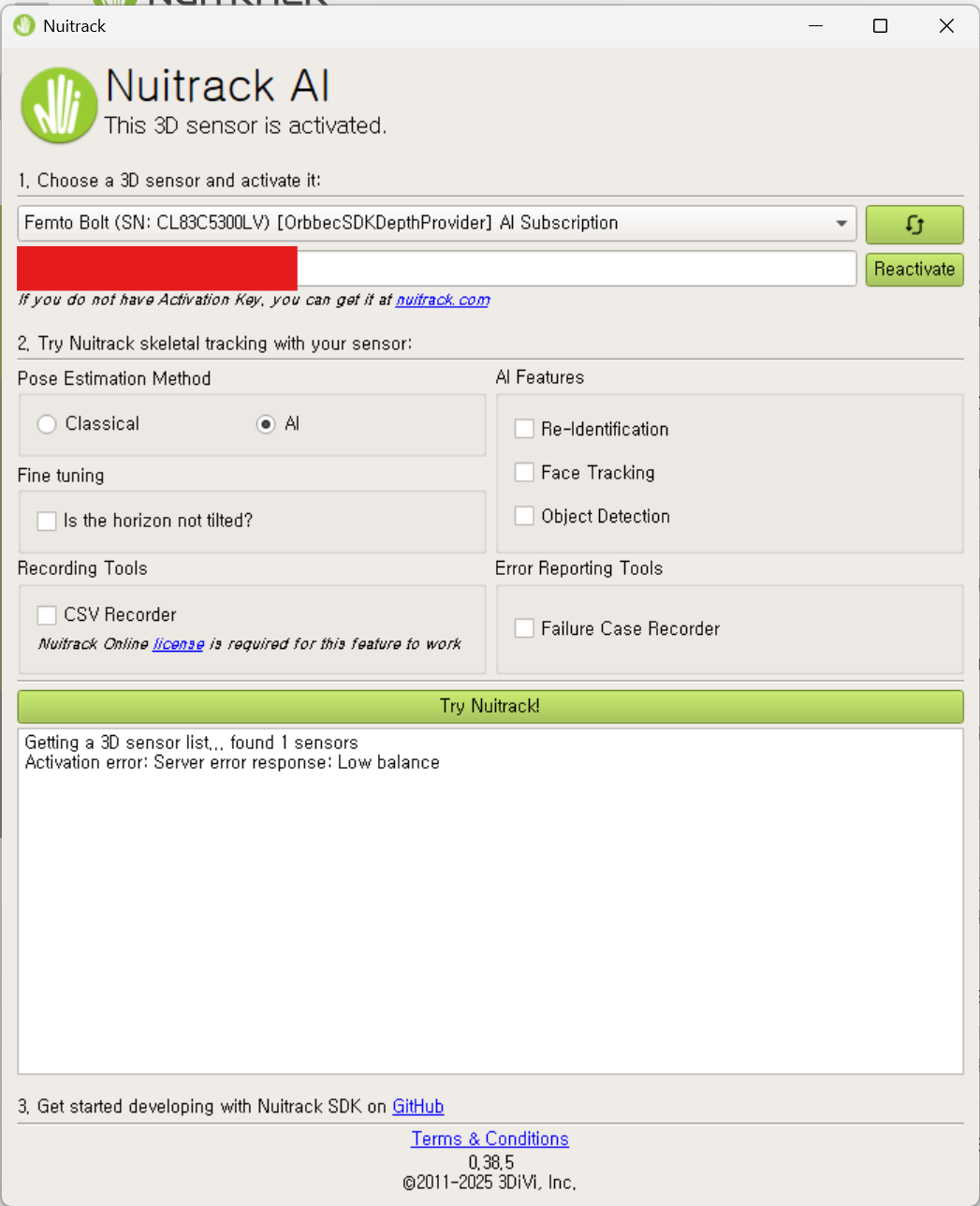
However, when I launch Unreal Engine and the Nuitrack application, I receive a “Low Balance” error message, as shown in the attached image.
Could you please let me know why this error is occurring?
Is there any additional payment, activation step, or license requirement besides the AI Subscription?
This project is currently time-sensitive, so I would greatly appreciate a prompt response if possible.
Yes! The account I’m using on this forum is my personal account
The license IDs for our company’s account are 65706 and 65707
When I checked this morning (Korea Standard Time), the license status had changed from “Suspended” to “Active”
It seems there was some delay between the payment being processed and the license status being updated on the dashboard, possibly due to the time difference
I’m a little concerned that this might happen every time our subscription renews. Could you let me know approximately how long it usually takes for the dashboard to update after a payment has been processed? I’d like to share this information with my team so we know what to expect in the future
I also have another question about Nuitrack
Our team primarily develops interactive art installations using Unreal Engine 5.3, TouchDesigner, and Nuitrack. We are currently having some difficulty working with joint rotations. While obtaining joint positions is straightforward, applying or calculating the correct rotations has been much more challenging
Are there any documentation, tutorials, sample projects, or articles that explain how to work with joint rotations or the coordinate/axis system in Unreal Engine and TouchDesigner when using Nuitrack?
Thank you, as always, for your quick and helpful responses I really appreciate your support!
Sorry for the delay.
Yes, we’re experiencing some lag with license status updates when renewing after the trial period; we’ll fix this issue. Thank you for bringing this to our attention.
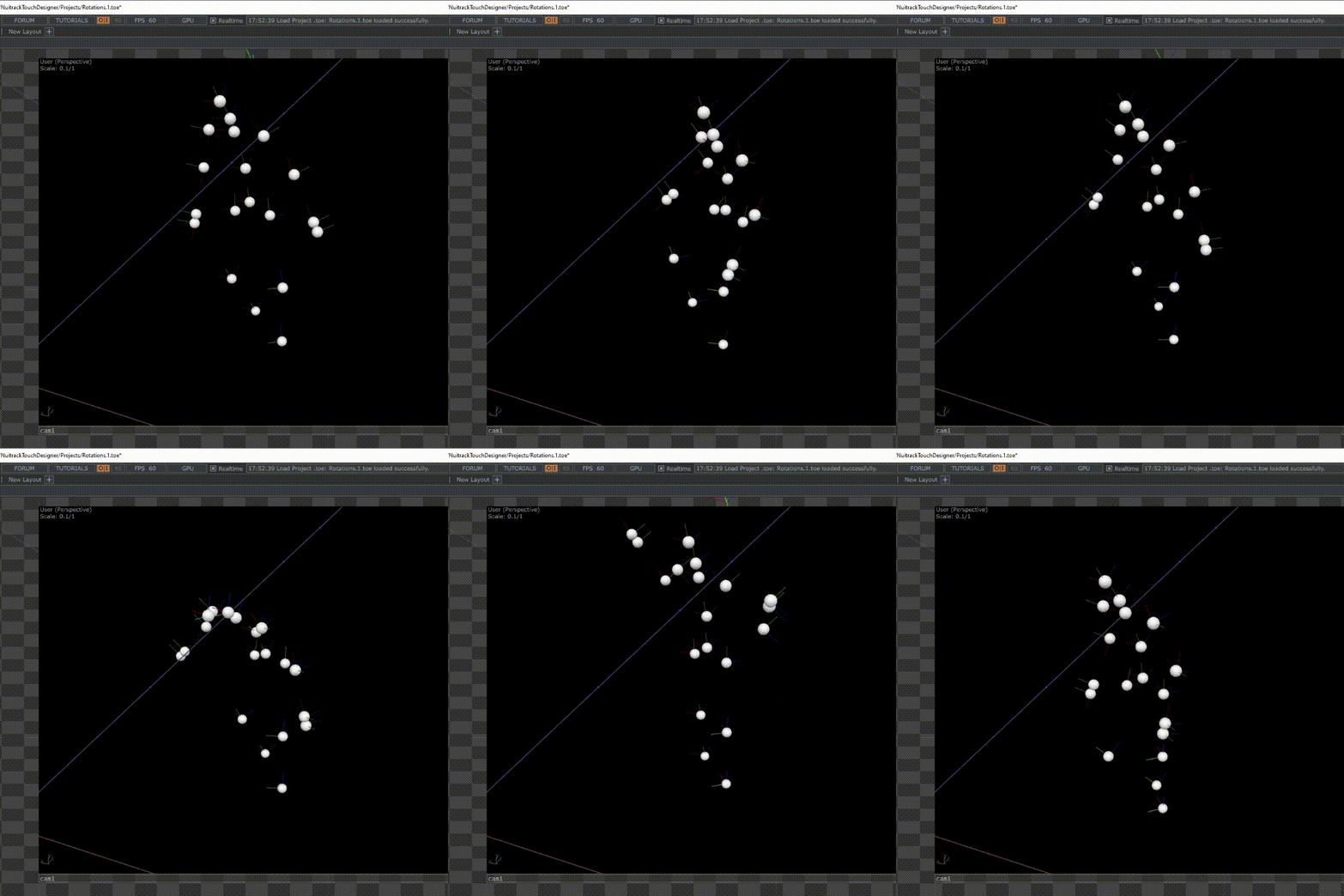
There is also a set of samples in the Projects folder. And the Rotations.toe sample was recently added (you need to download the Creative Bundle again and update the plugin)