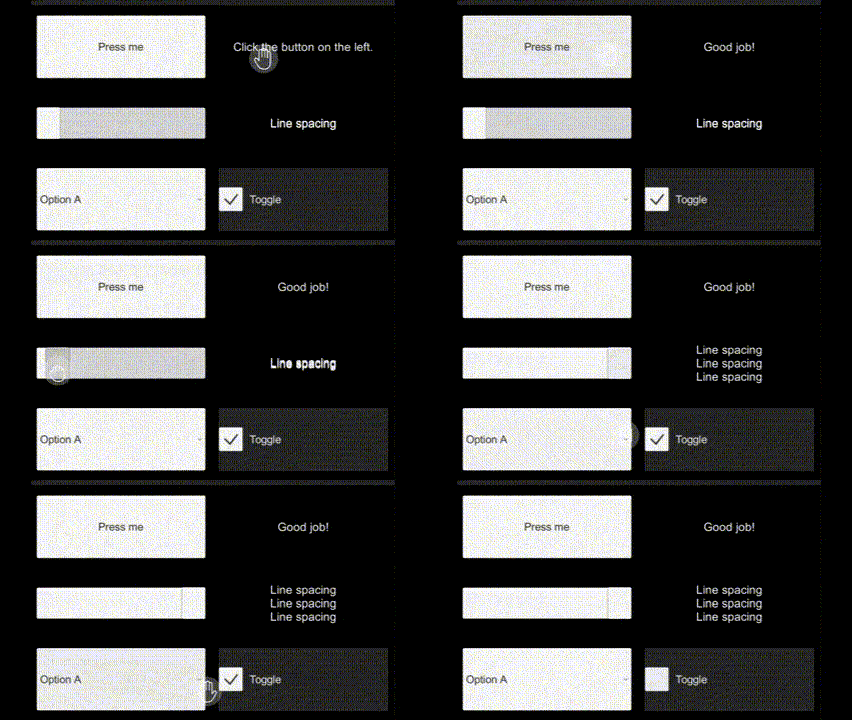
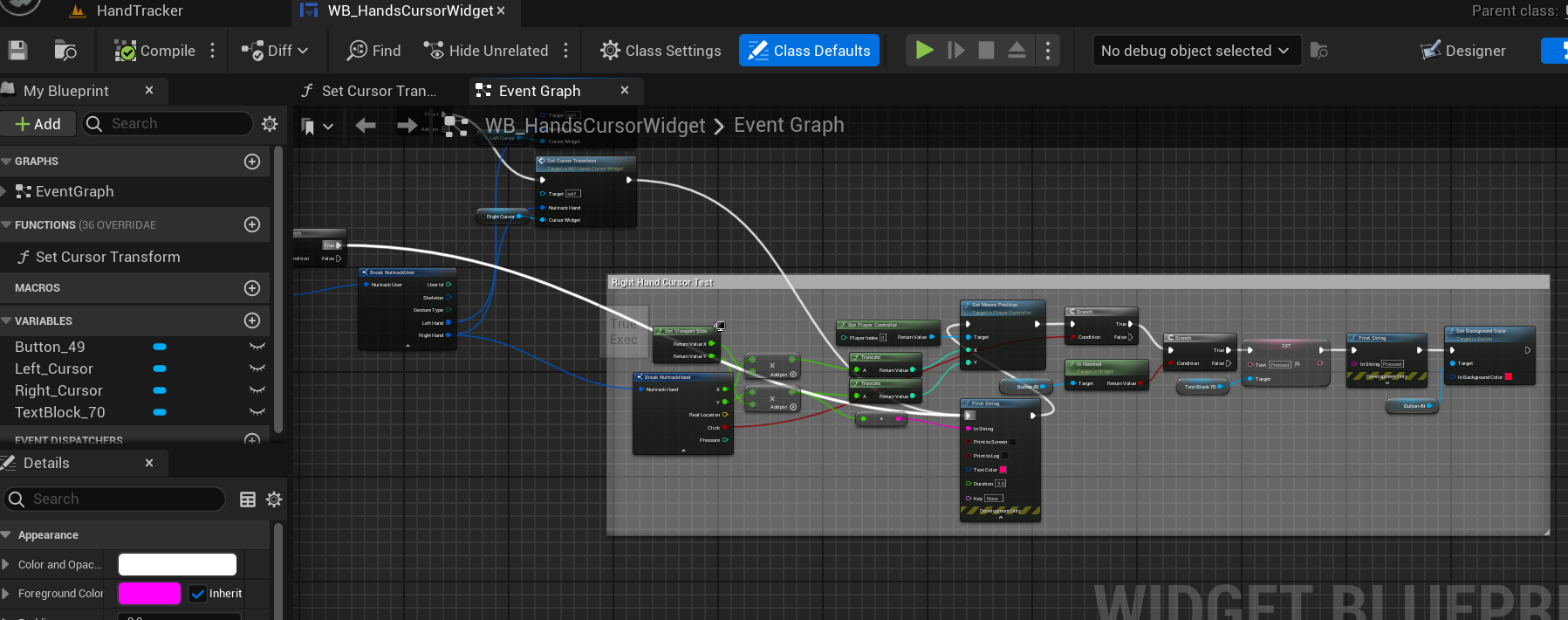
I want to use the hand tracker from the template so I can interact with the UI. But I can’t find any Unreal Engine tutorials.
Can you tell me how I can interact with UI? Or Or you can share the file in which all this is done.
Your team has provided numerous video tutorials and online help resources for Unity, but there is currently no similar support available for Unreal Engine.
Please upload video tutorials for Unreal Engine on your YouTube channel so that more people can learn by watching the tutorials.
I need all type of interaction like button clicks, hover, hold and drag.
If you can’t provide a tutorial.
Can you give me the Unreal Engine 5 file that contains all these interactions so I can study the interaction blueprint system from that file?
This will help me a lot
I know tutorials take a lot of time, but if Unreal Engine also had tutorials like Unity engine, a lot of people could do a lot with this plugin.
Thanks for your interest, the Unreal plugin appeared much later than the Unity package, so there are fewer tutorials. We are trying to close this gap, probably the next one will be in terms of interaction with the UI.
So far, there are no files on how cursors interact with the UI. Only separate cursors at the ”HandTracker“ level and UI at the ”Virtual Fitting Room" level. I’ll do some research this week, and if I can make a file, I’ll definitely send it to you.