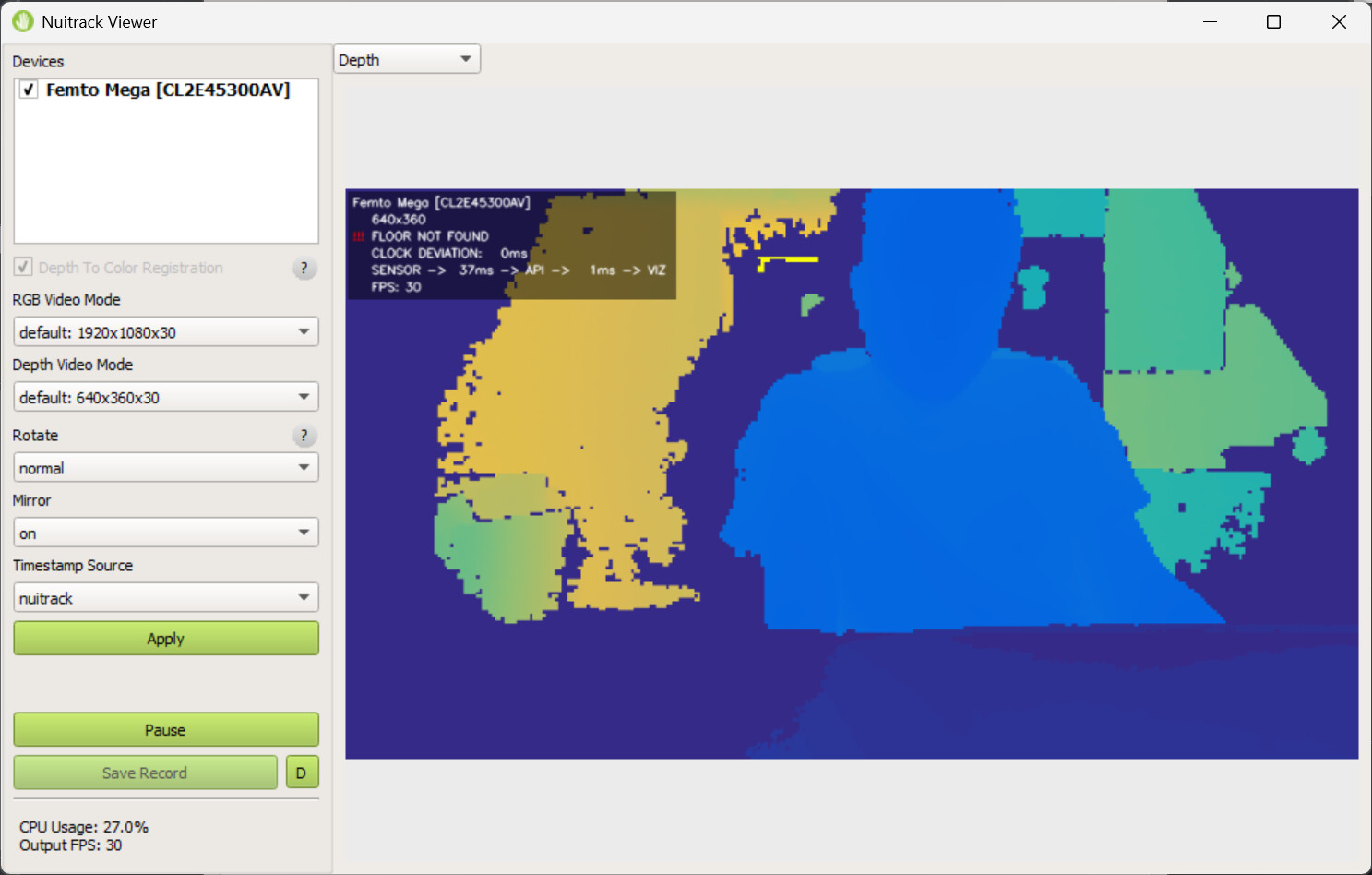
Hi,
I successfully installed the Nuitrack plugin for Touch Designer v2023.12370.
I see the Nuitrack CHOP under custom but no TOP.
I loaded the provided demo project file and the Nuitrack CHOP has an error, “check if the device is connected and reload the plugin”.
I have an Orbbec Femto Mega connected to my computer via USB-C and it works fine with the Kinekt CHOP/TOP. How do I tell the Nuitrack CHOP to use that device. There is no option for this.
What if I also have the RealSense D555 connected. How do I tell the CHOP to switch between the sensors?
Hi @Rishabh
Sorry for the delay.
Did you launch Nuitrack.exe? Is the sensor recognized and working?
To switch sensors, select the desired one from the list and click Restart (Pulse).
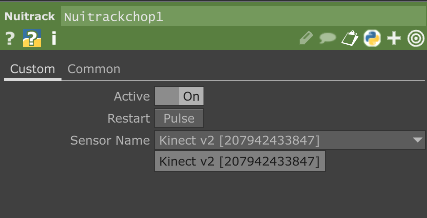
No I did not launch the Nuitrack.exe because there is no such thing included. Where do I find it. I searched all over your website but I couldn’t find any such installer or a file.
To answer your second question no I didn’t select from a list because I literally don’t have a list.
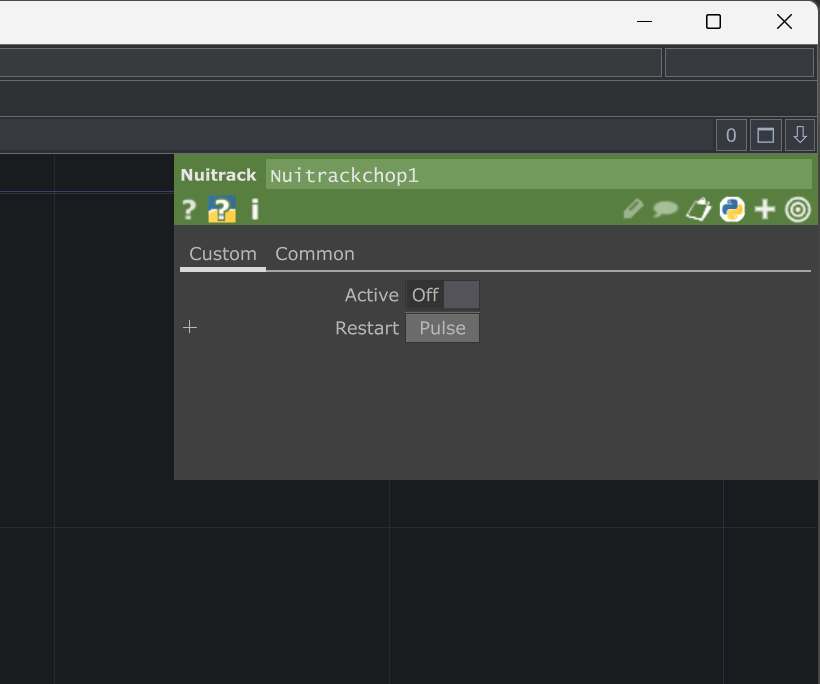
okay, So I managed to find the installer for the Nuitrack. Weirdly the website asks me which sensor I’m going to use the software license with and there is only one option and I’m using Orbbec Femto Mega which is not on the list.
Anyway, I managed to get a trial license and the Nuitrack viewer is working but the Touch Designer CHOP is exactly the same as the previous screenshot I shared. I even restart TouchDesigner but it’s the same.