Hi, I am new to Nuitrack and I am trying to implement the plugin into UE5.
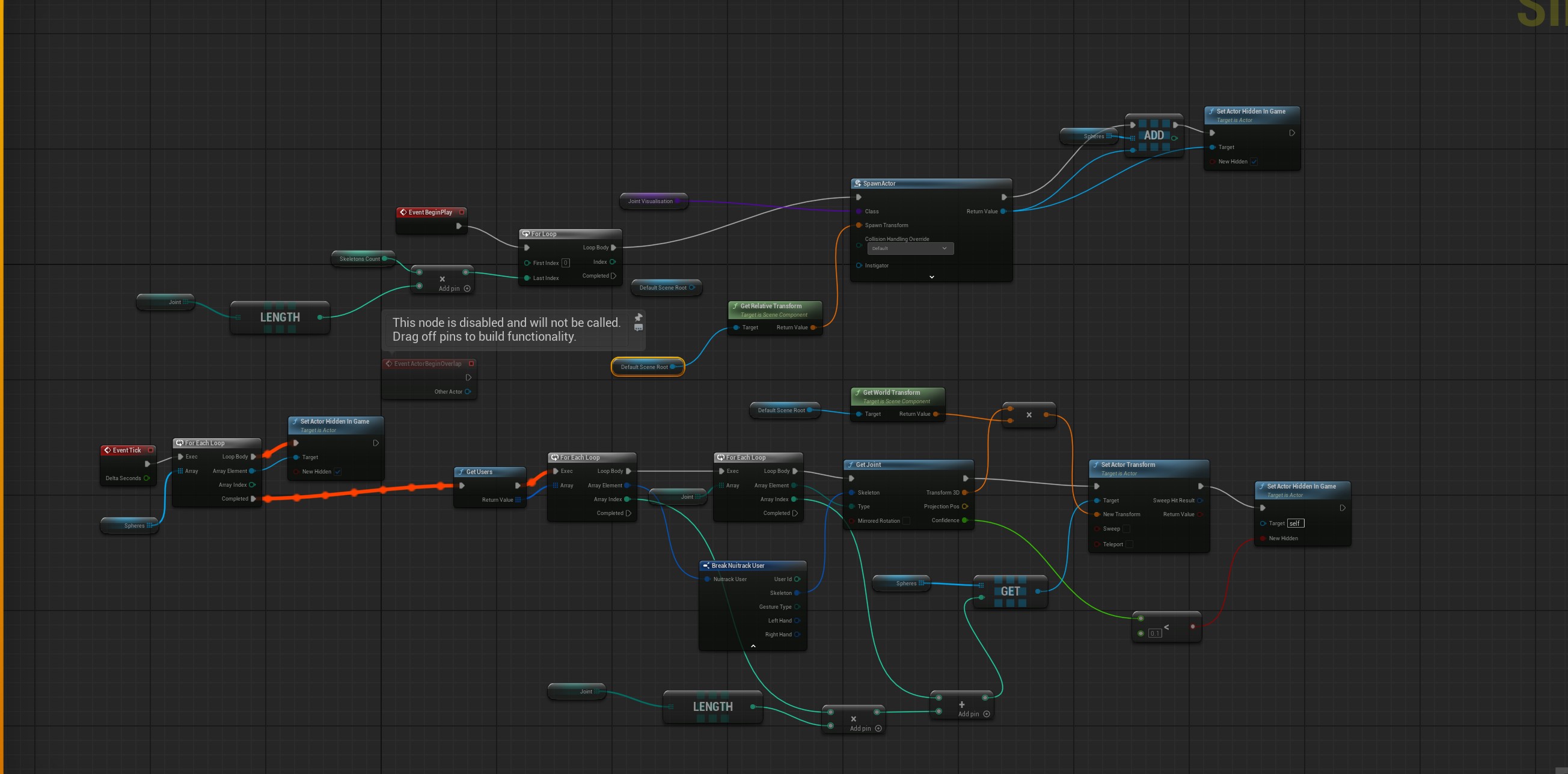
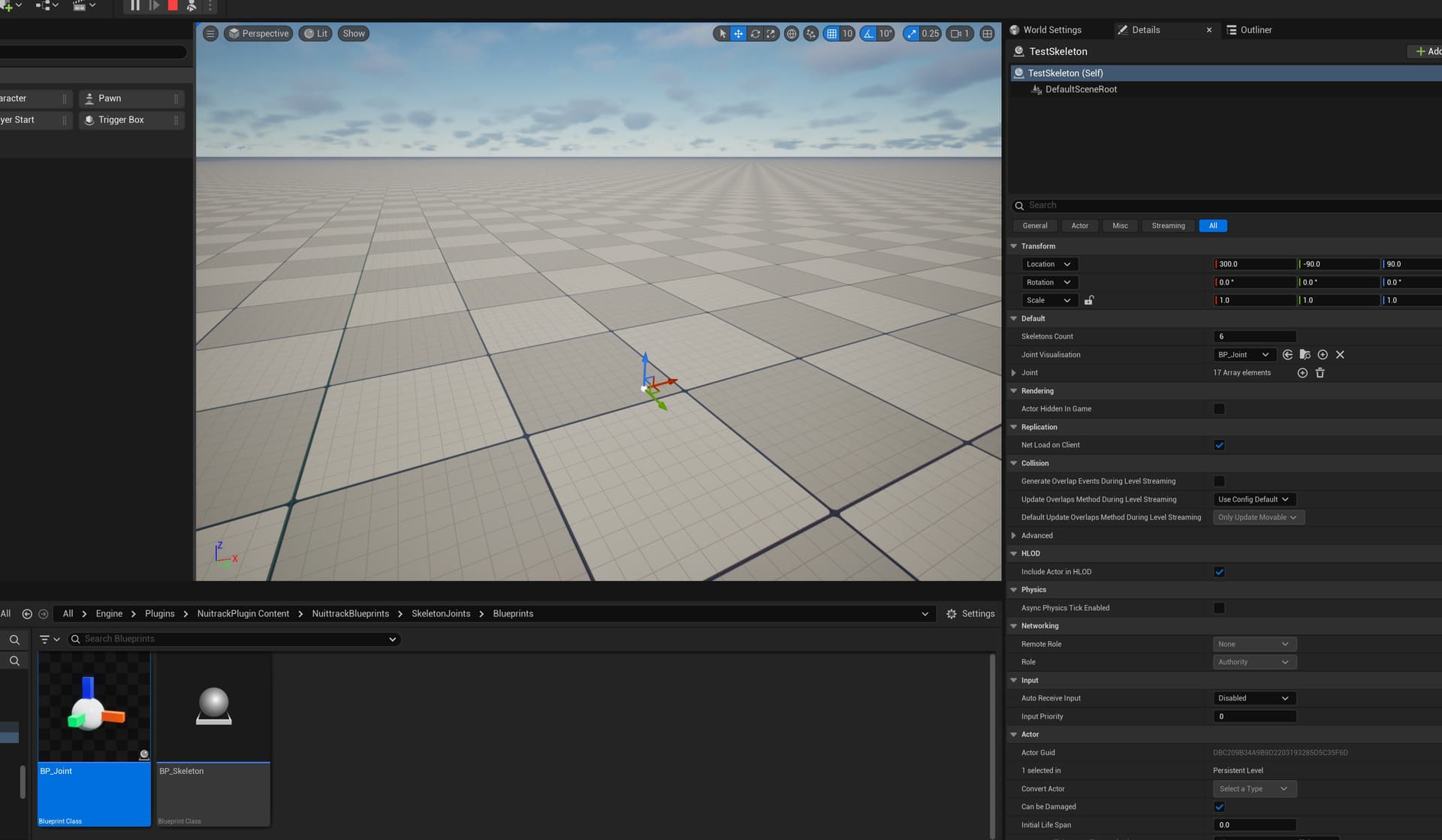
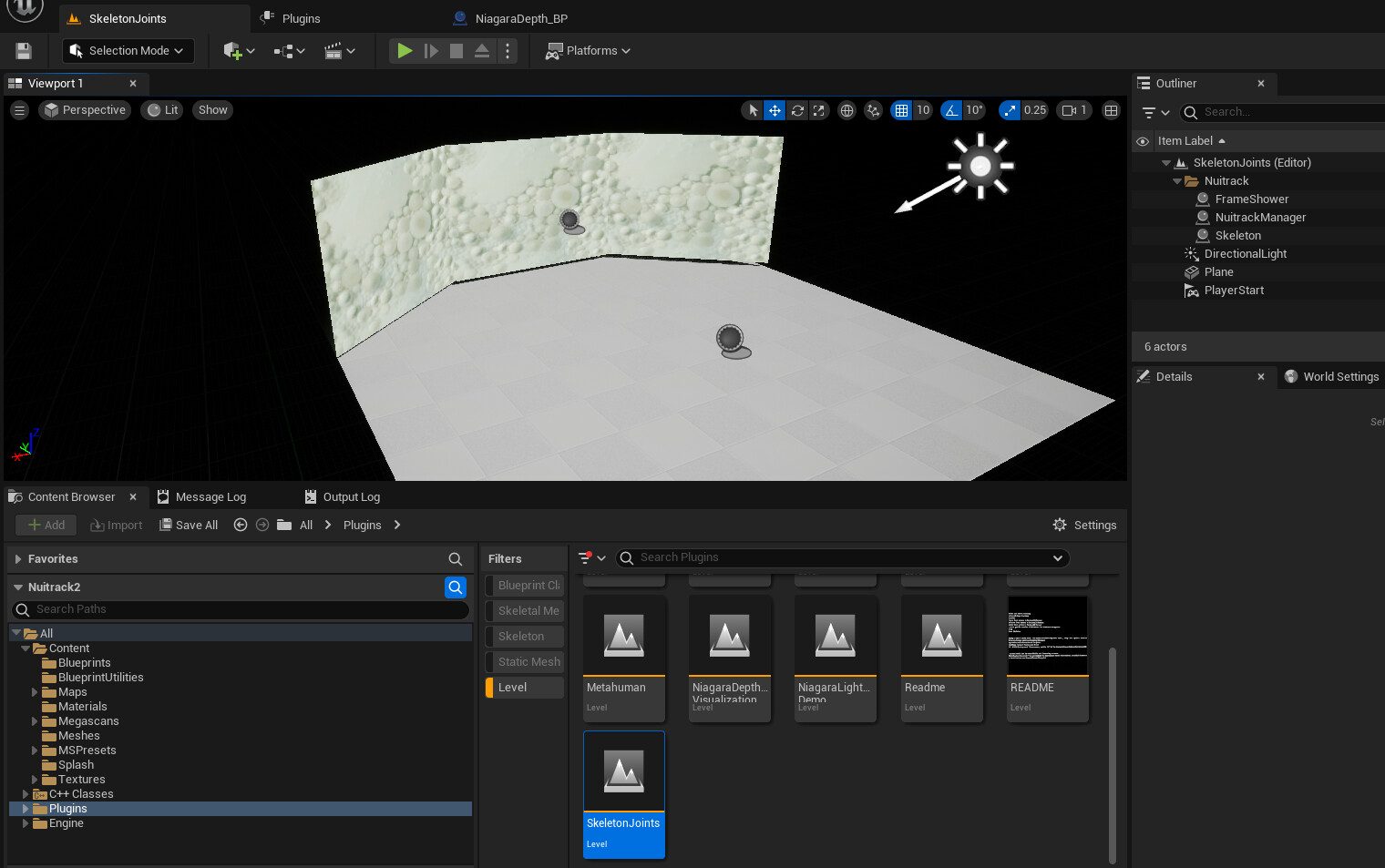
I followed all the tutorial so I have all the nodes in the Test Skeleton. When I hit simulate, i have some errors concerning not found the sensor (while my sensor is open and runs on the nuitracks app)
I have a license AI and I see the sensor of my kinect azure.
As you can see in the nodes, seems all right.
Hi @danitome
Do you run Nuitrack.exe and UE5 simultaneously? If so, close Nuitrack.exe to free up the sensor so that it becomes available in UE. If not, please send us the logs and a screenshot.
Hi @irakli thanks for your reply.
I don t run Nuitrack and UE5 simultaneously.
Here the error log from UE:
LogTemp: Error: Nuitrack Start Fail: NuitrackException (ModuleNotInitializedException): Can’t create DepthSensor module
AzureKinectDepthProvider: Cannot open device 0. Failed to open device!
LogTemp: Error: No connected sensors detected. Connect the sensor!
LogTemp: Error: 1. Is Nuitrack installed at all?
LogTemp: Error: 2. If Nuitrack is already installed, then try to install to the 0.38.4 version ( Release Nuitrack v0.38.4 · 3DiVi/nuitrack-sdk · GitHub )
LogTemp: Error: 3. To use Nuitrack, you need activate AI Subscription. (Perpetual and Trial are not supported in UE)
LogTemp: Error: 4. Sensor connected? Is the connection stable? Are the wires okay? If you use RealSense, then USB 3.0 is required for it to work. If the sensor is connected and you see this error, then check the sensor, the wire and the USB ports.
LogTemp: Error: 5. Try restart PC
LogTemp: Error: 6. Check your Environment Variables in Windows settings.
LogTemp: Error: There should be two variables “NUITRACK_HOME” with a path to “Nuitrack\nuitrack\nutrack” and a “Path” with a path to NUITRACK_HOME\bin
LogTemp: Error: Maybe the installation probably did not complete correctly, in this case, look Troubleshooting Page.
LogTemp: Error: 7. Check the read\write permissions for the folder where Nuitrack Runtime is installed, as well as for all subfolders and files. Can you create text-file in NUITRACK_HOME\middleware folder? Try allow Full controll permissions for Users.
This error means that the sensor is being used by some program and Nuitrack cannot open it. Try reconnecting it?
Have you tried running our samples from the plugin? Do they not work either?
Hi, yes I don’t have any other software engaged with the kinect’s.
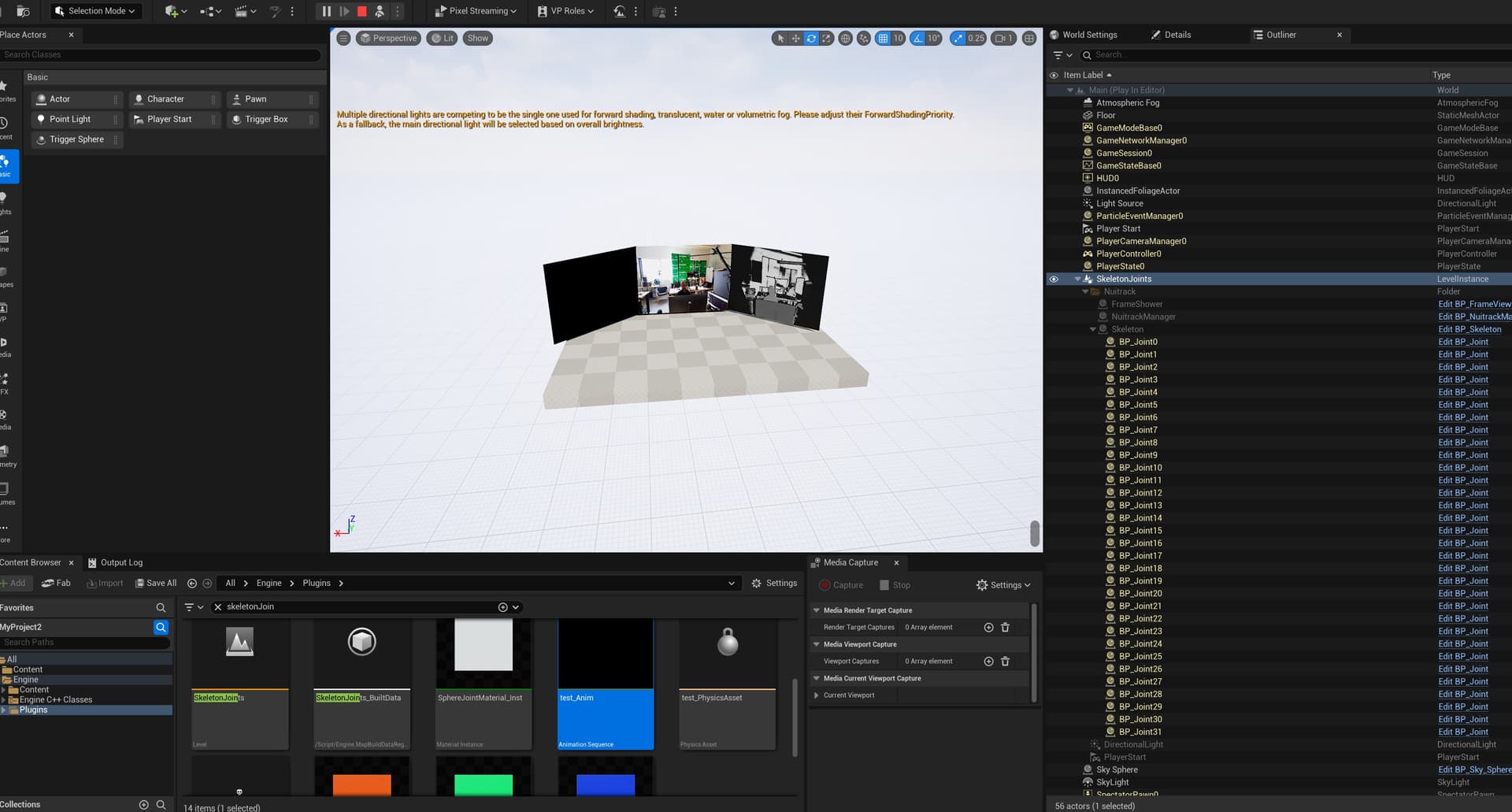
Now I installed your template and I have another status:
LogUIActionRouter: Display: Found 0 derived classes when attemping to create action router (CommonUIActionRouterBase) LogUIActionRouter: Error: Using CommonUI without a CommonGameViewportClient derived game viewport client. CommonUI Input routing will not function correctly.
To disable this warning set CommonUI.Debug.CheckGameViewportClientValid=0 under [SystemSettings] in your project’s DefaultEngine.ini.
LogLoad: Game class is ‘GameModeBase’
LogWorld: Bringing World /Game/UEDPIE_0_Main.Main up for play (max tick rate 0) at 2025.11.21-09.49.15
LogWorld: Bringing up level for play took: 0.023049
LogOnline: OSS: Created online subsystem instance for: :Context_16
PIE: Server logged in
PIE: Play in editor total start time 0.184 seconds.
LogBackChannel: Listening on FBackChannelConnection Client Socket (localport: 2049)
LogRemoteSession: Started listening on port 2049